Flex Web Design System
Challenge
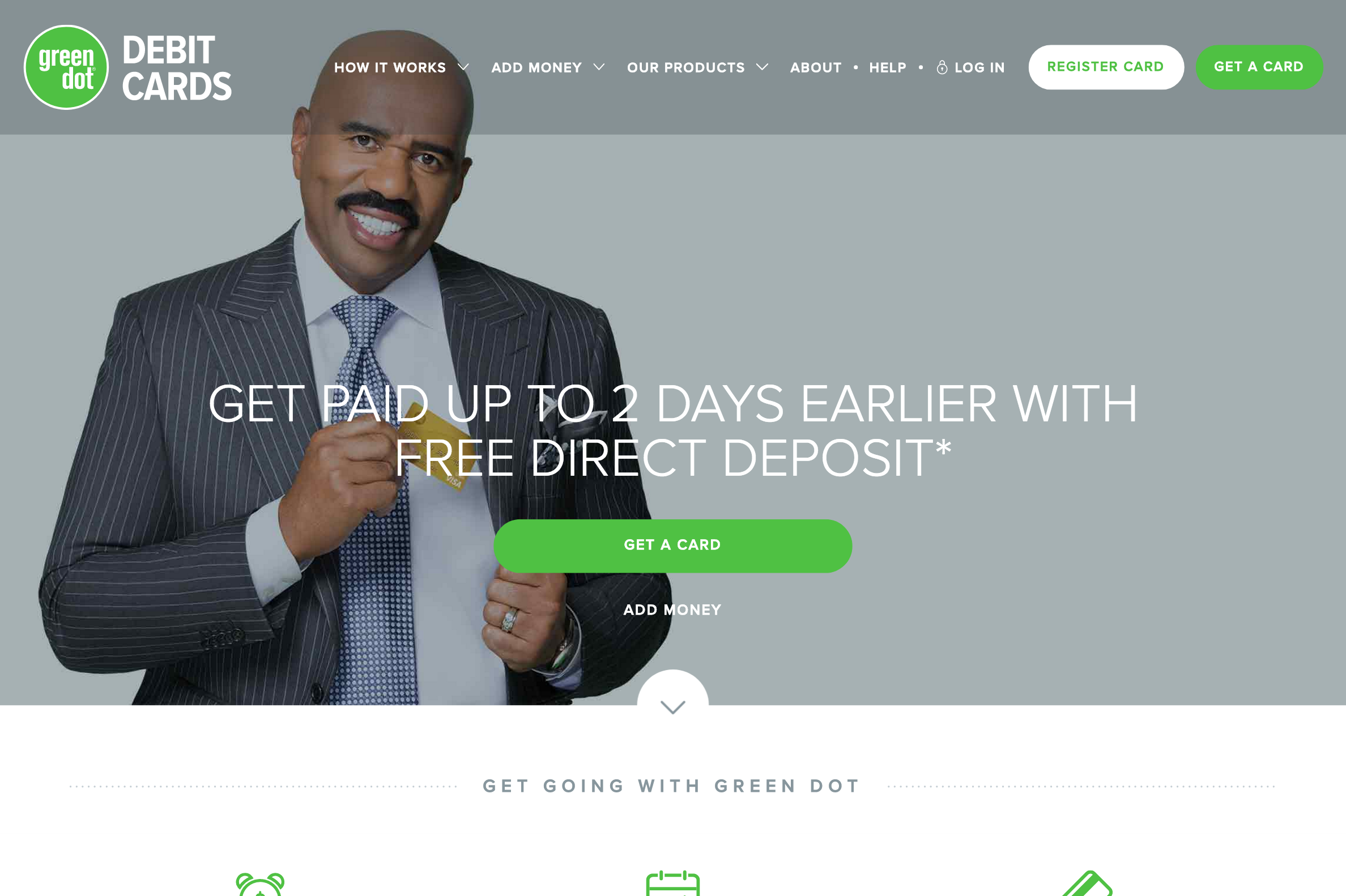
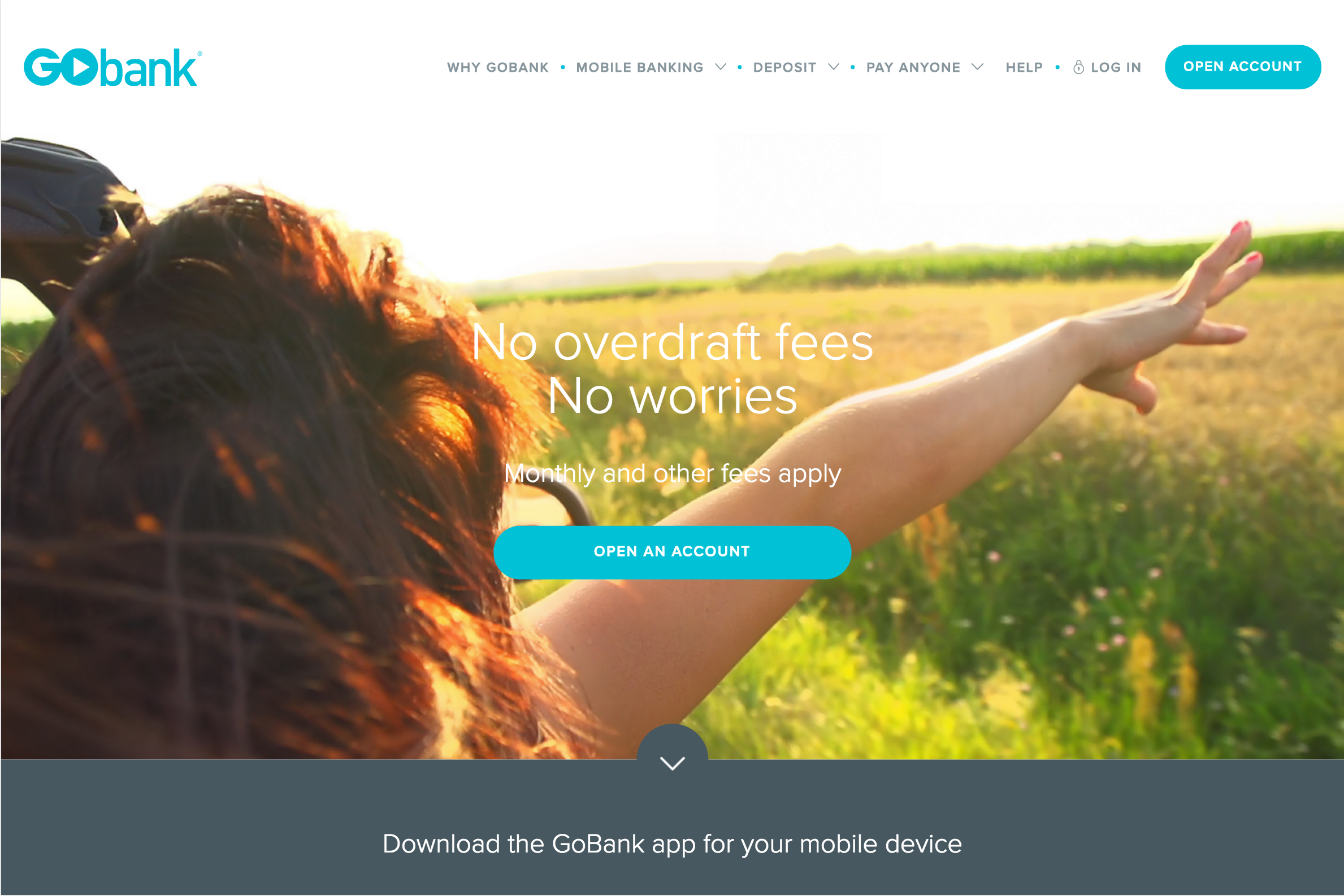
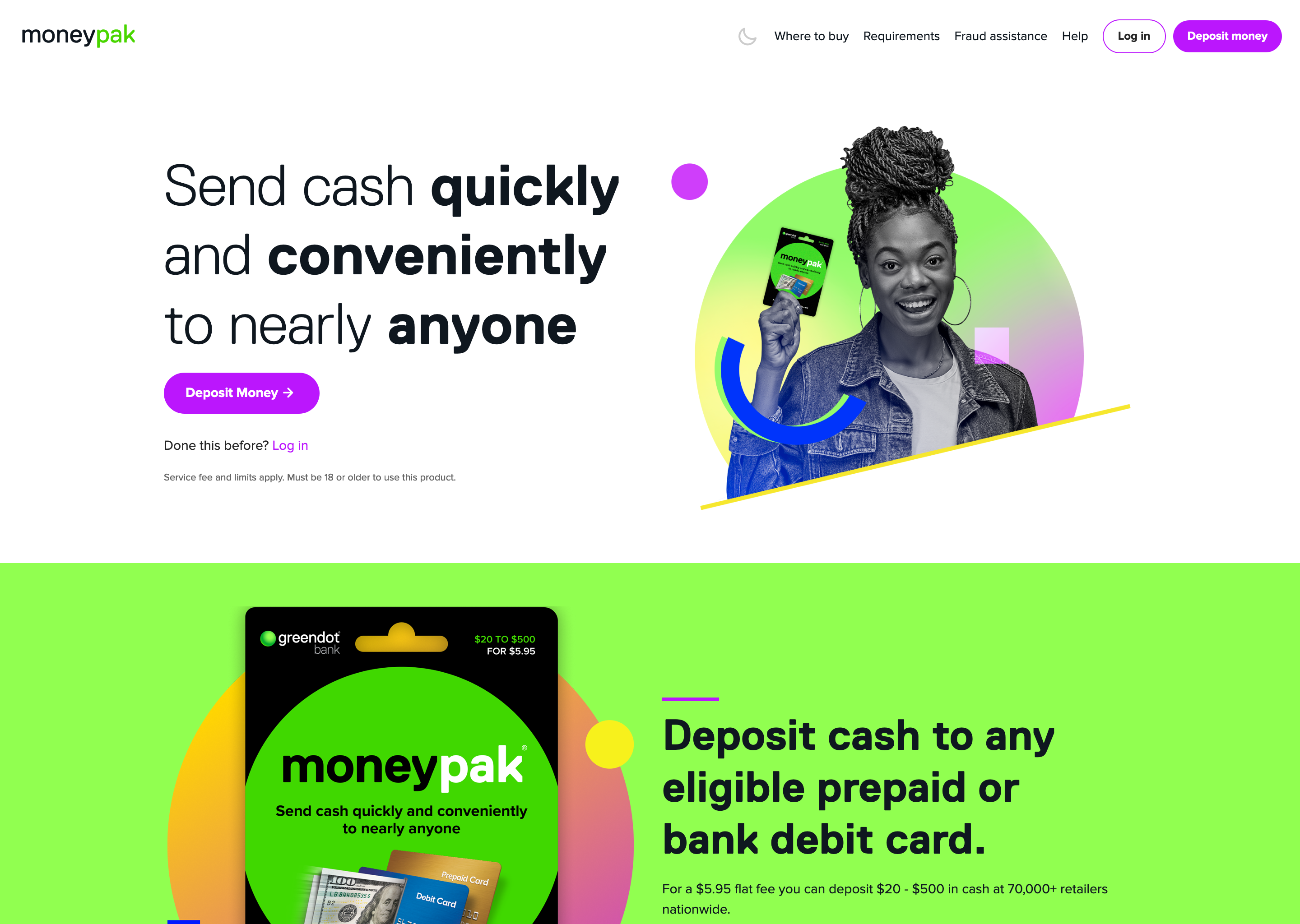
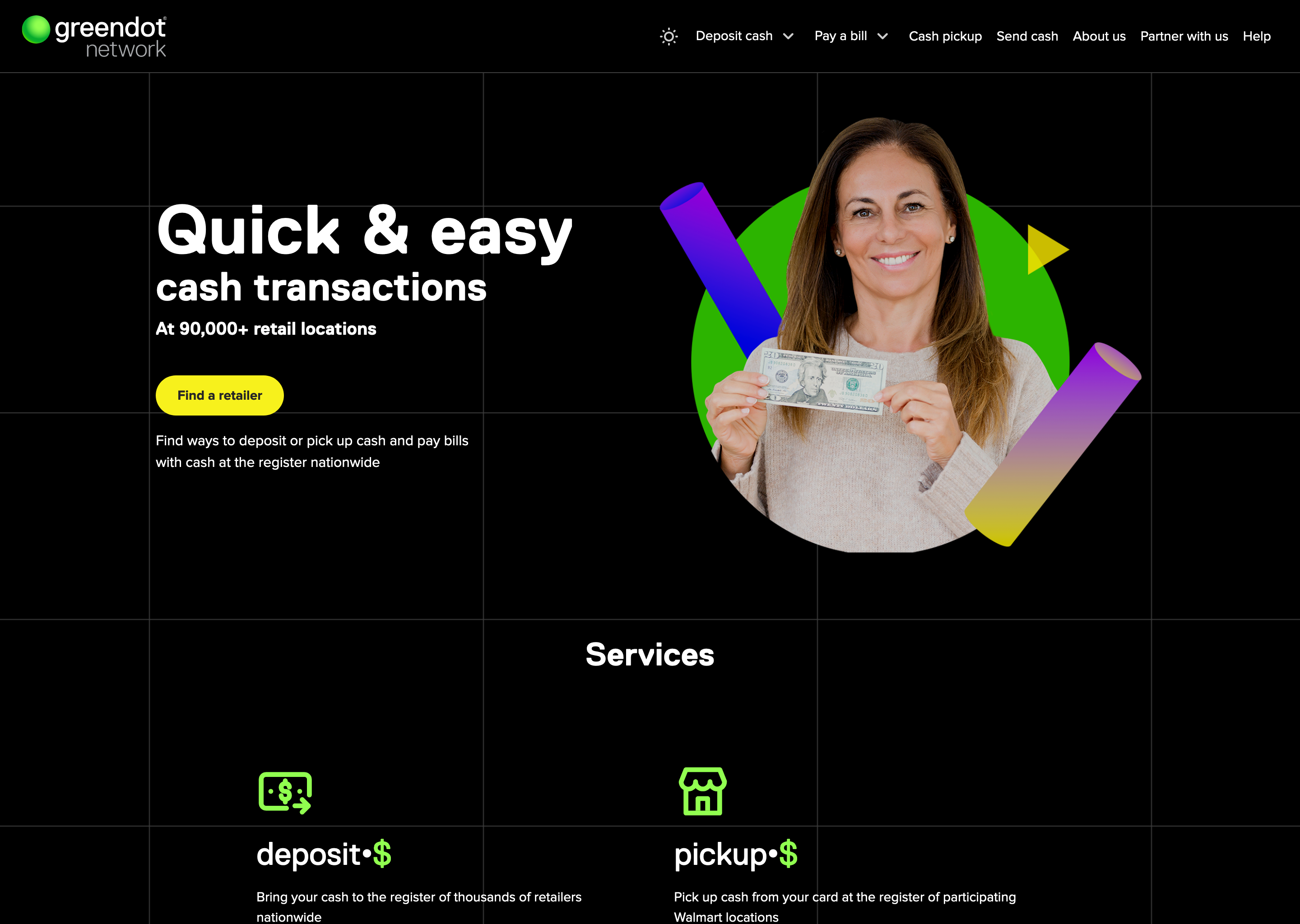
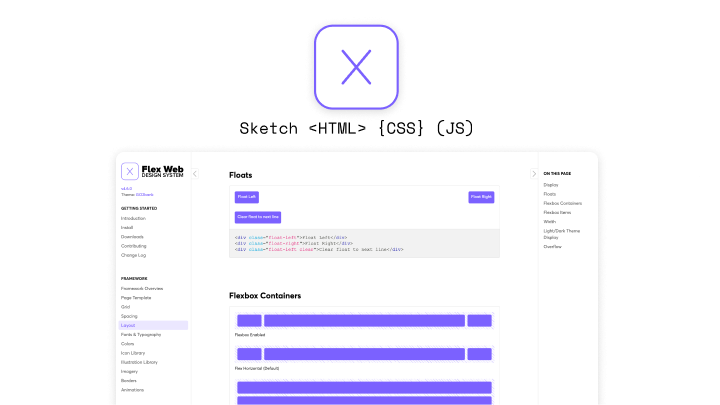
In 2015 Green dot designers were distributed amongst several marketing and product teams, leading to much inconsistency in style and behavior of the company's apps and websites. We brought together the disparate designers into a single team and similarly identified an opportunity to unify our designs with a new design system. This design system would have to support our web apps, marketing sites and eventually native mobile apps. The system would have to also support multiple brand themes from day one, to support Green Dot's many in house and partner brands. We called this new design system Flex Web.
Process
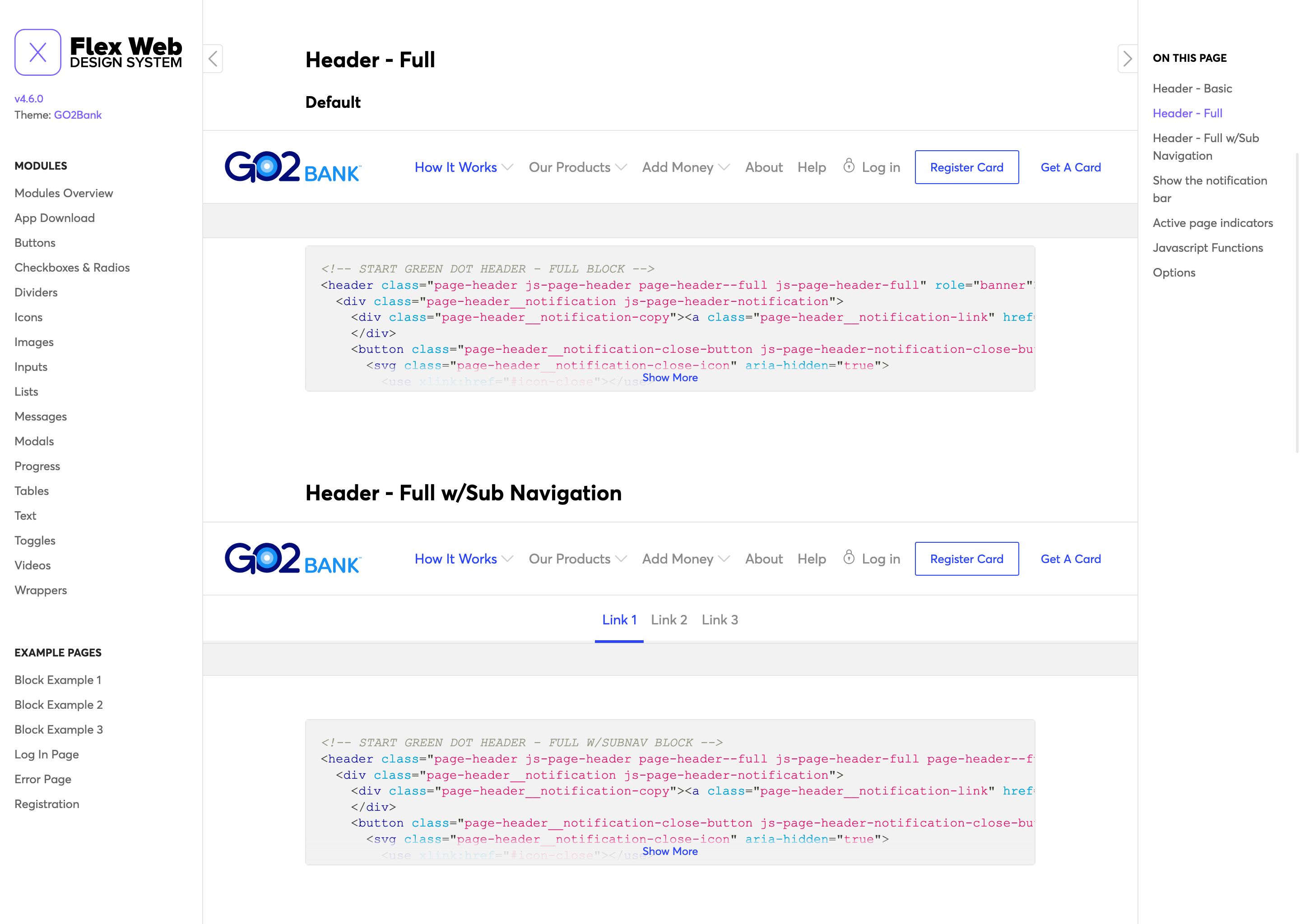
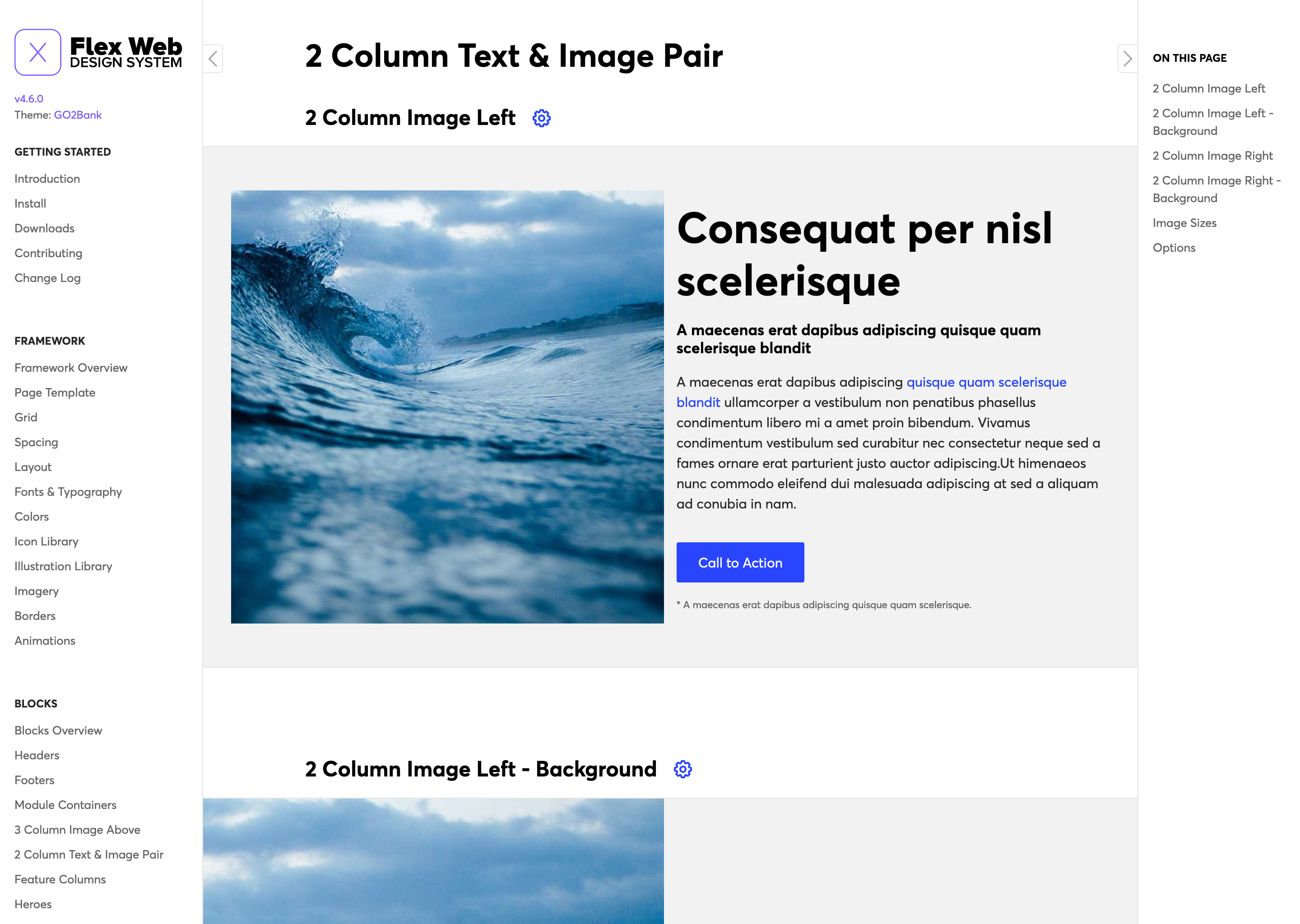
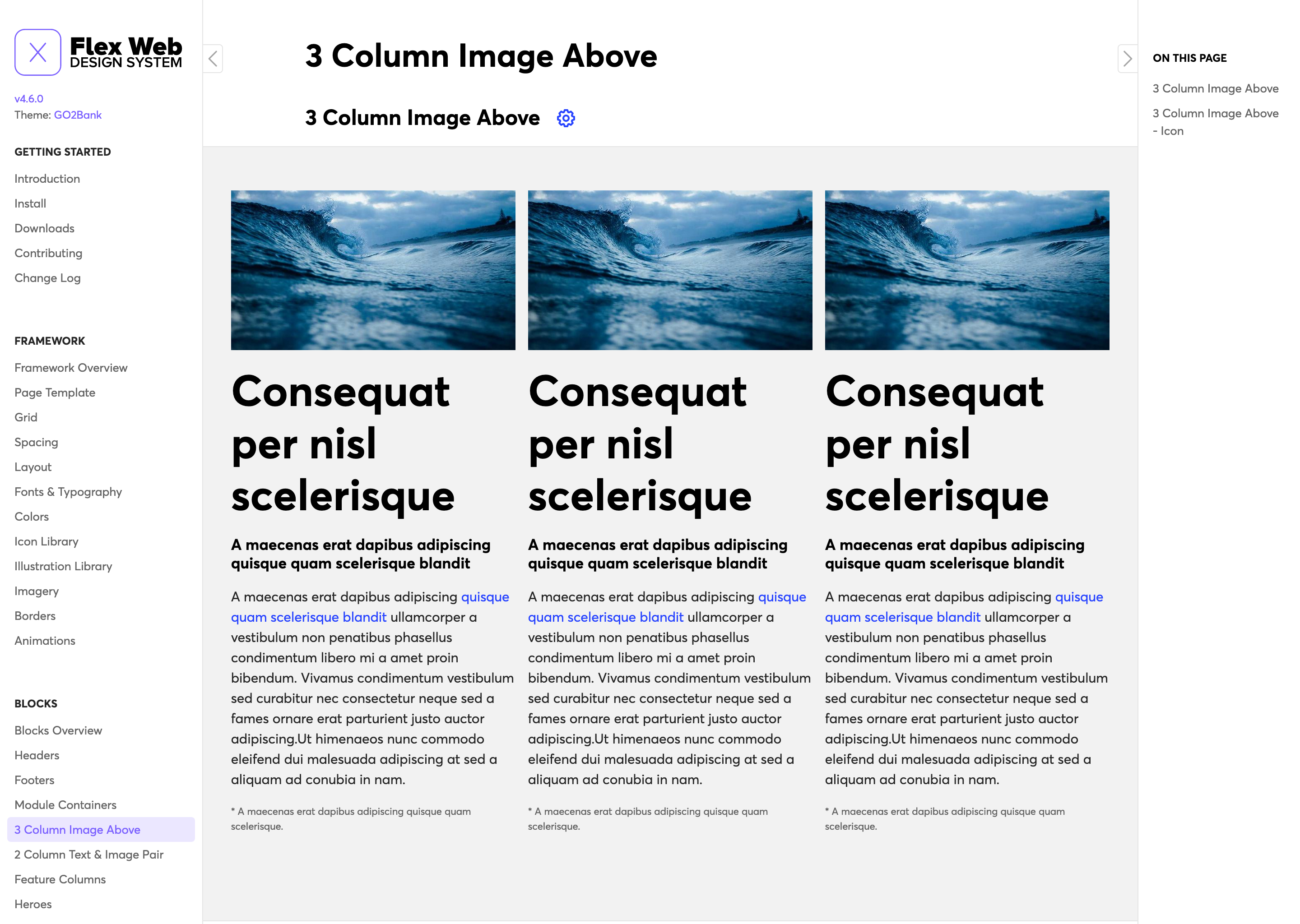
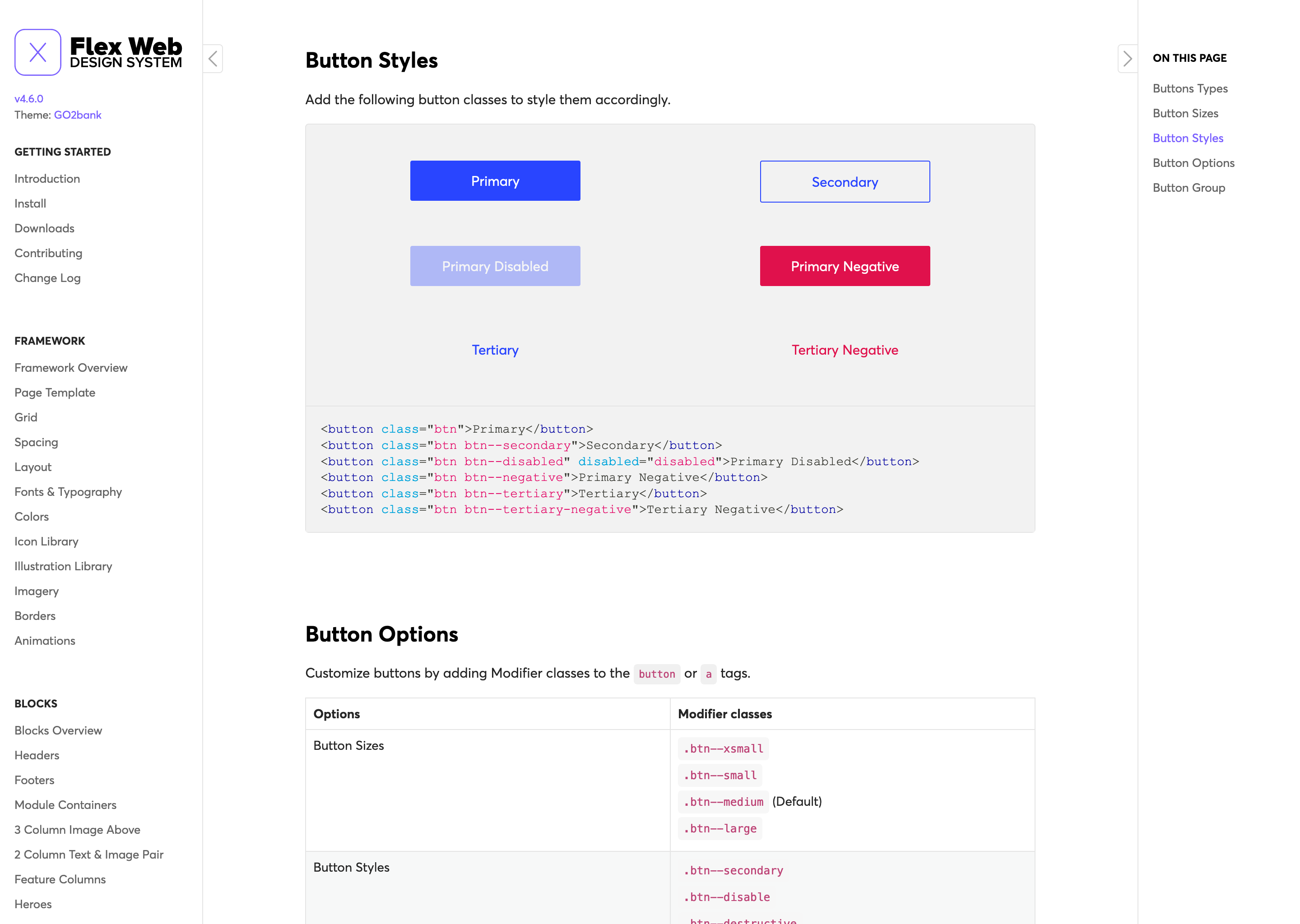
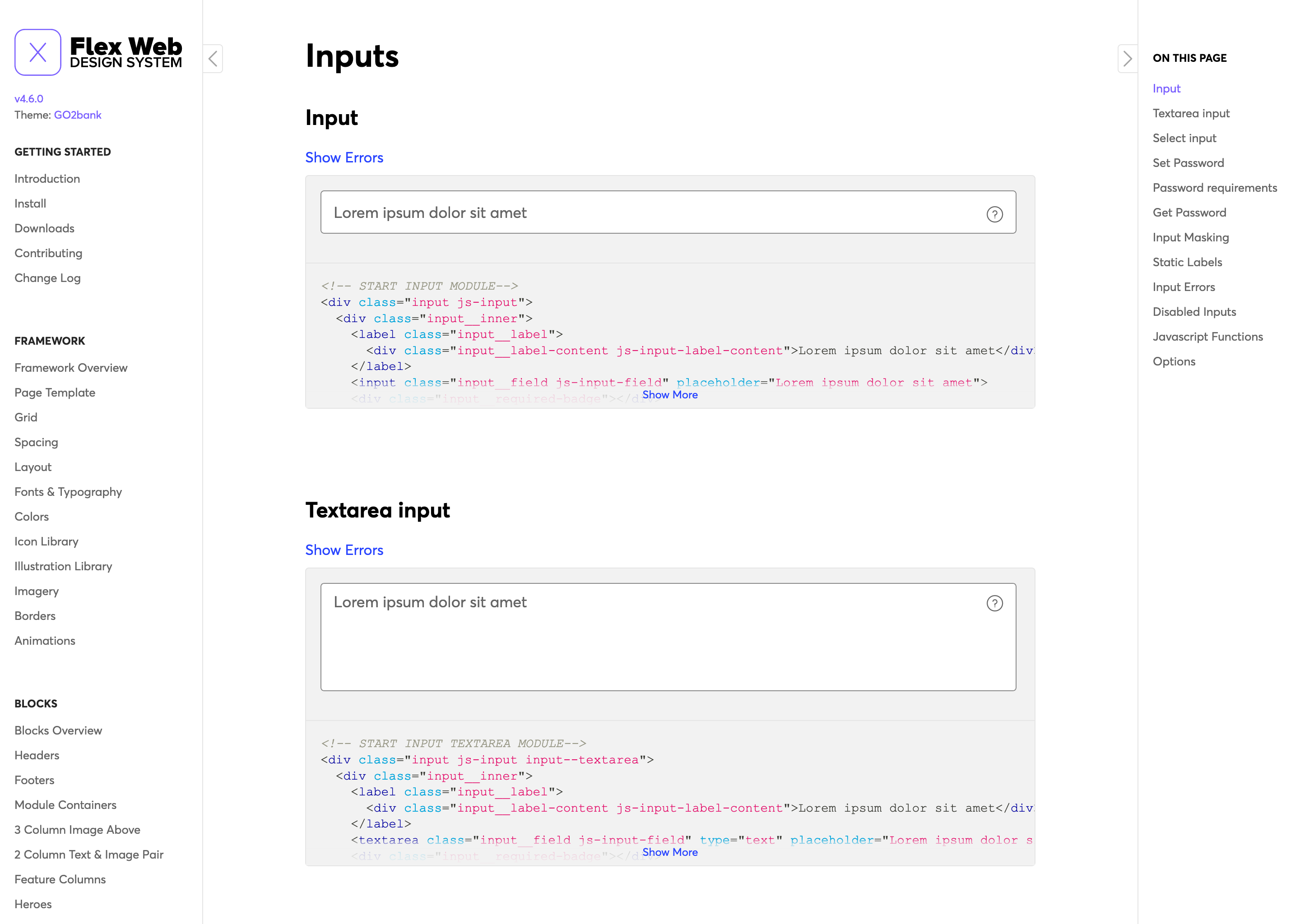
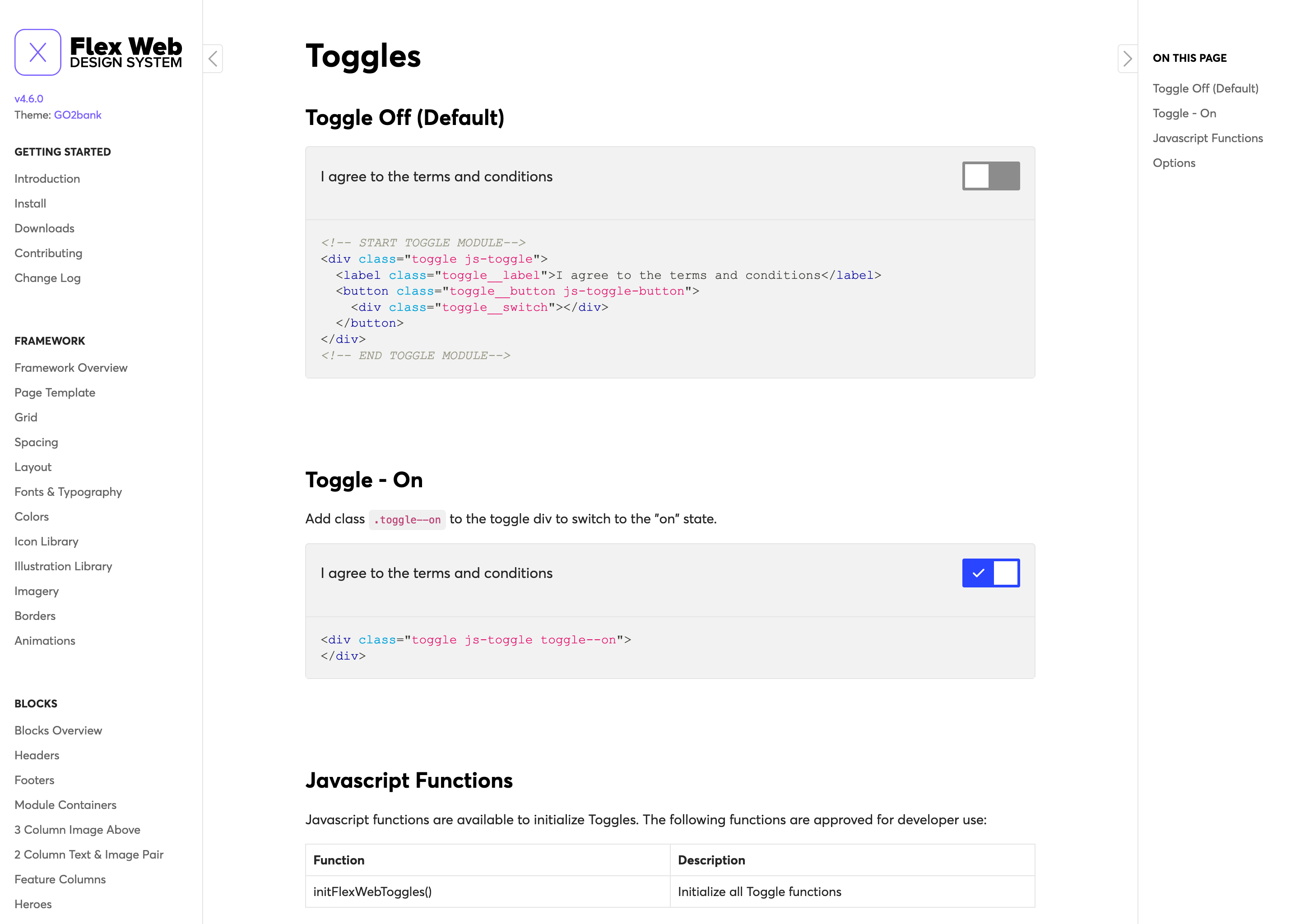
The team identified the common elements needed across the many Green Dot sites and brands - buttons, inputs, radios, checkboxes, color palettes etc., that would be part of the basic UI kit. We also identified the need for partial page templates that could be re-used for marketing purposes on single pages or entire sites. Things like headers, footers, heroes, and text/image combinations that could be mixed and remixed together to enable quick production of pages and sites. We dubbed these "blocks".
Solution
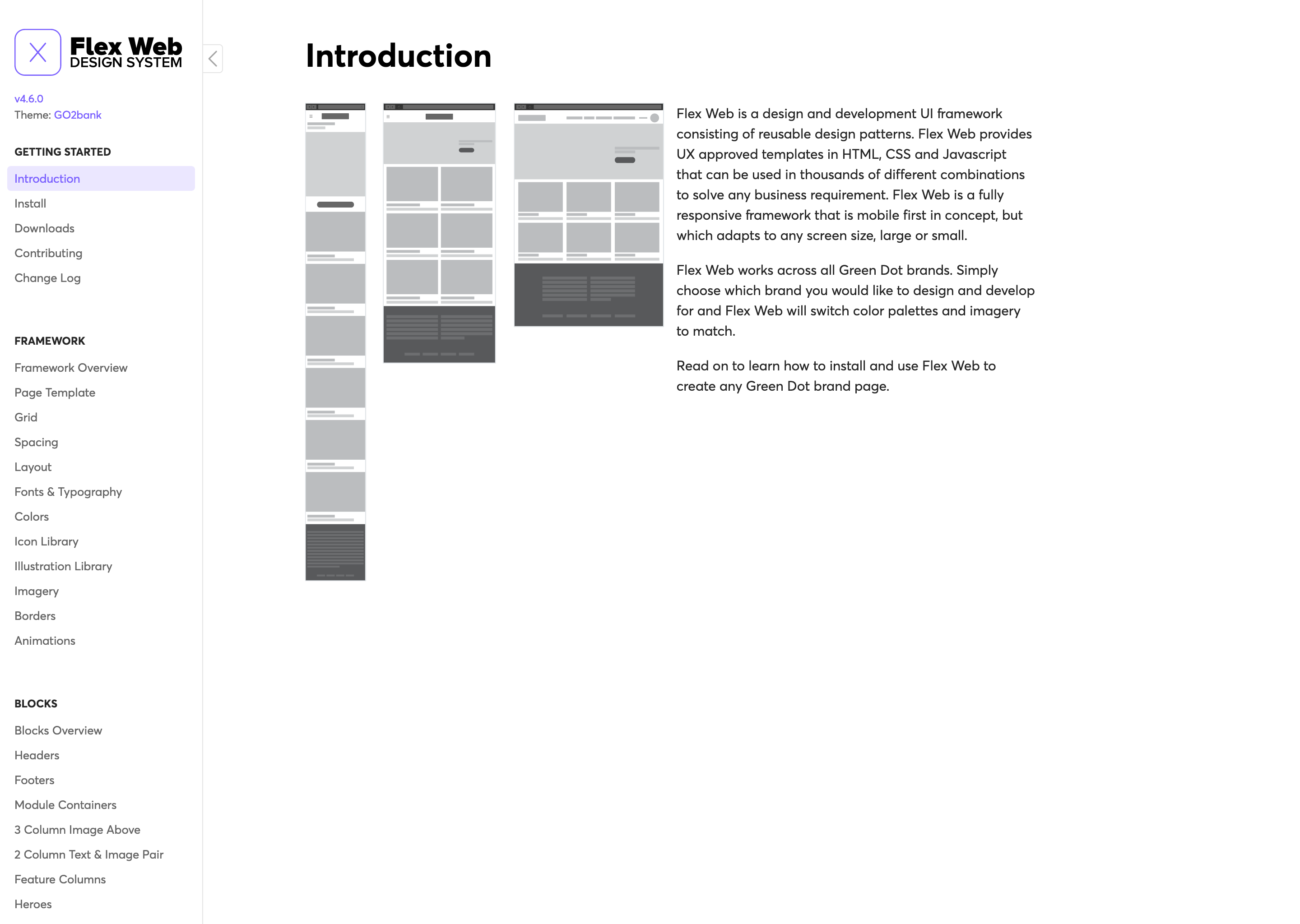
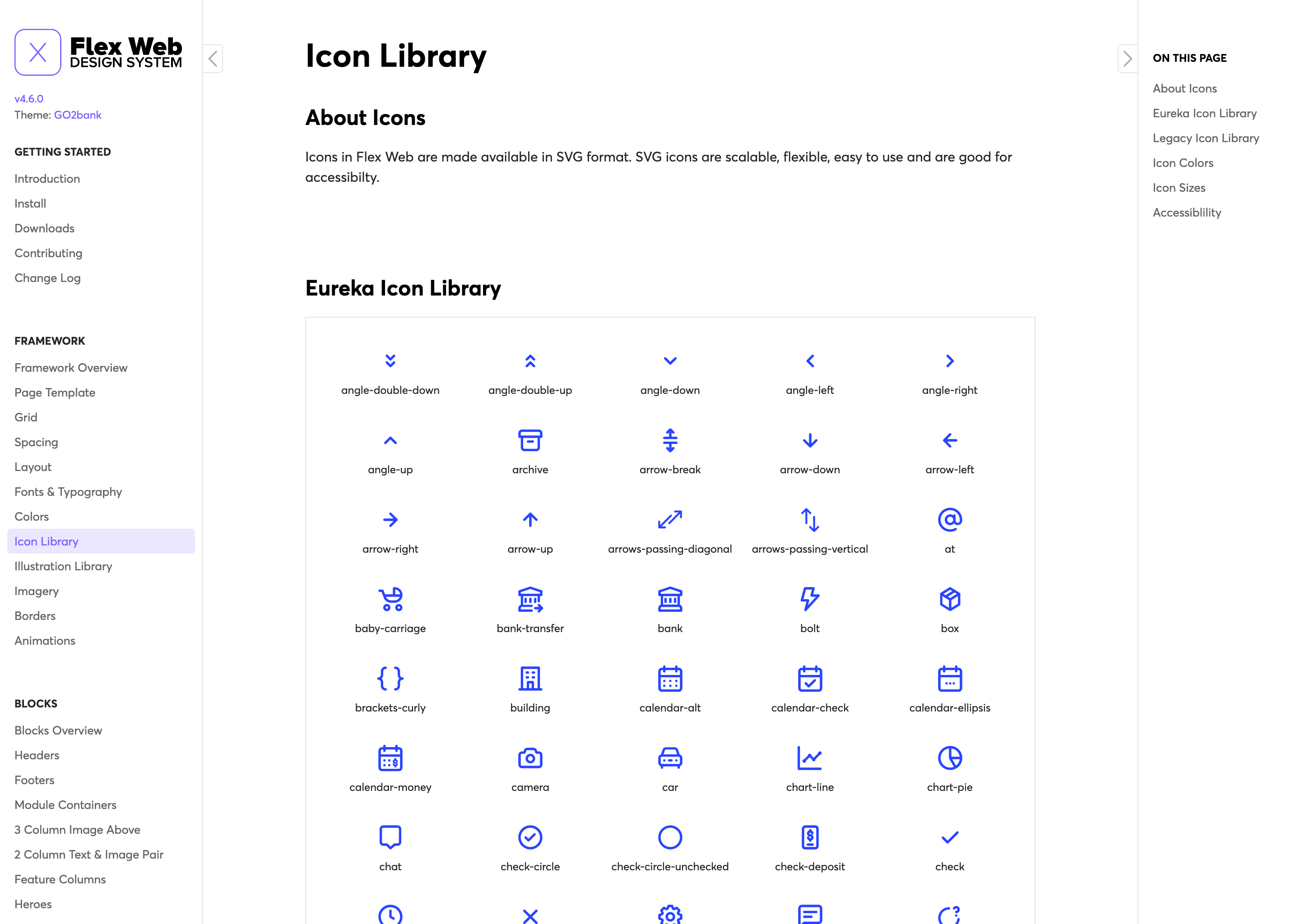
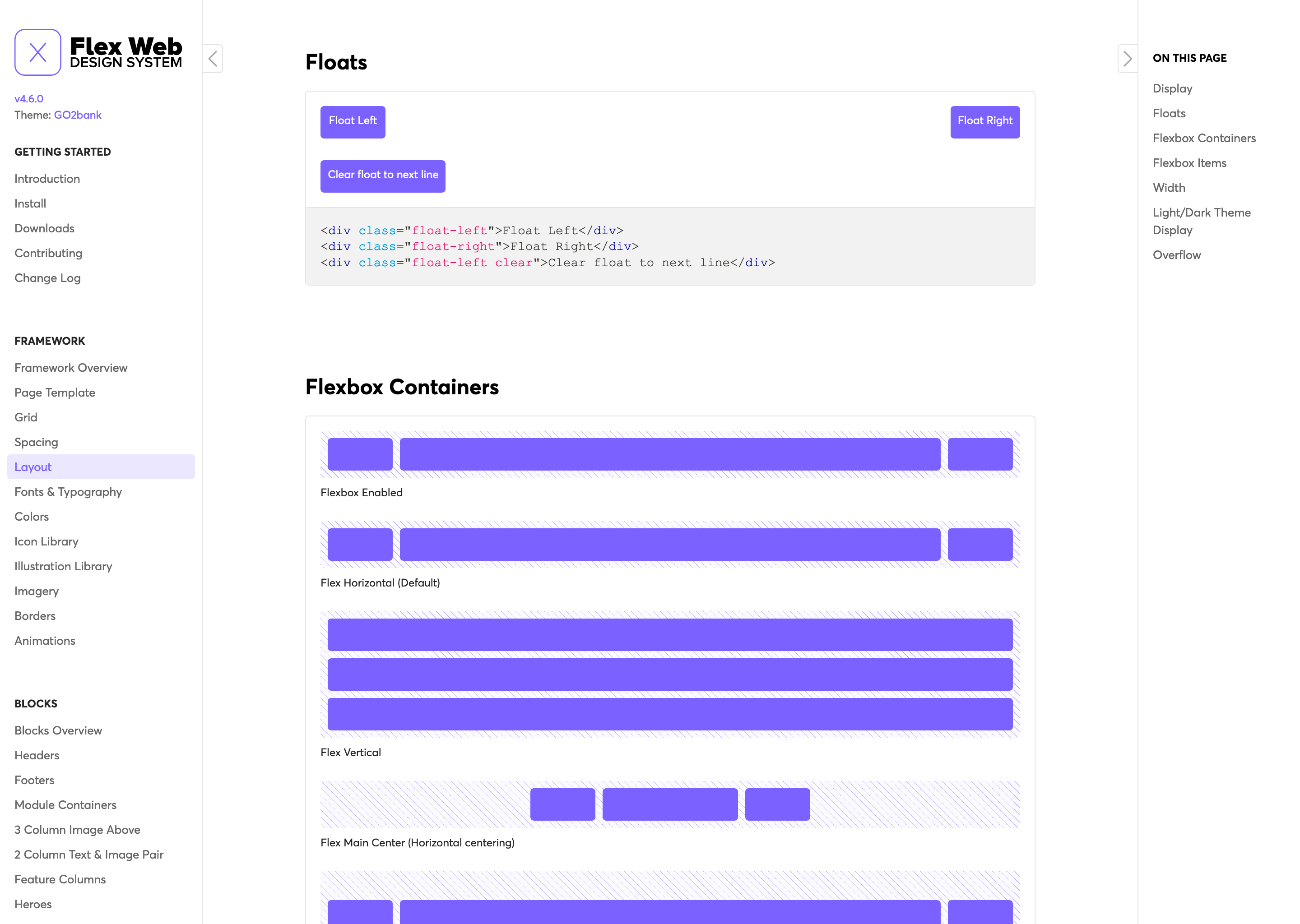
We created a collection of block designs that would serve the basis for many site redesigns and all web design moving forward. Single elements that would now commonly be referred to as components were called "modules". Pages would contain blocks, blocks could contain modules and modules were our smallest standalone element. This roughly followed the Atomic design pattern. All blocks and modules were coded in static HTML ready to be copy and pasted into a page, or integrated in to a SPA capable framework like Angular or .NET. Everything was styled via a single CSS file for each brand. These styles packaged up the colors, fonts, text styles, borders, spacing etc. for each brand. A site could be changed from Green Dot branded, to Gobank with the switch of a single file. Additionally, blocks and modules were given CSS modifier classes that could change certain styles automatically and they were enhanced with their own javascript to create custom behaviors and animations. The Flex Web documentation site was built to get designers, product managers, engineers and marketing up to speed quickly on the framework's capabilities. For designers or engineers building pages, a simple NPM install and duplicating the page-template.html was all you needed to get started.
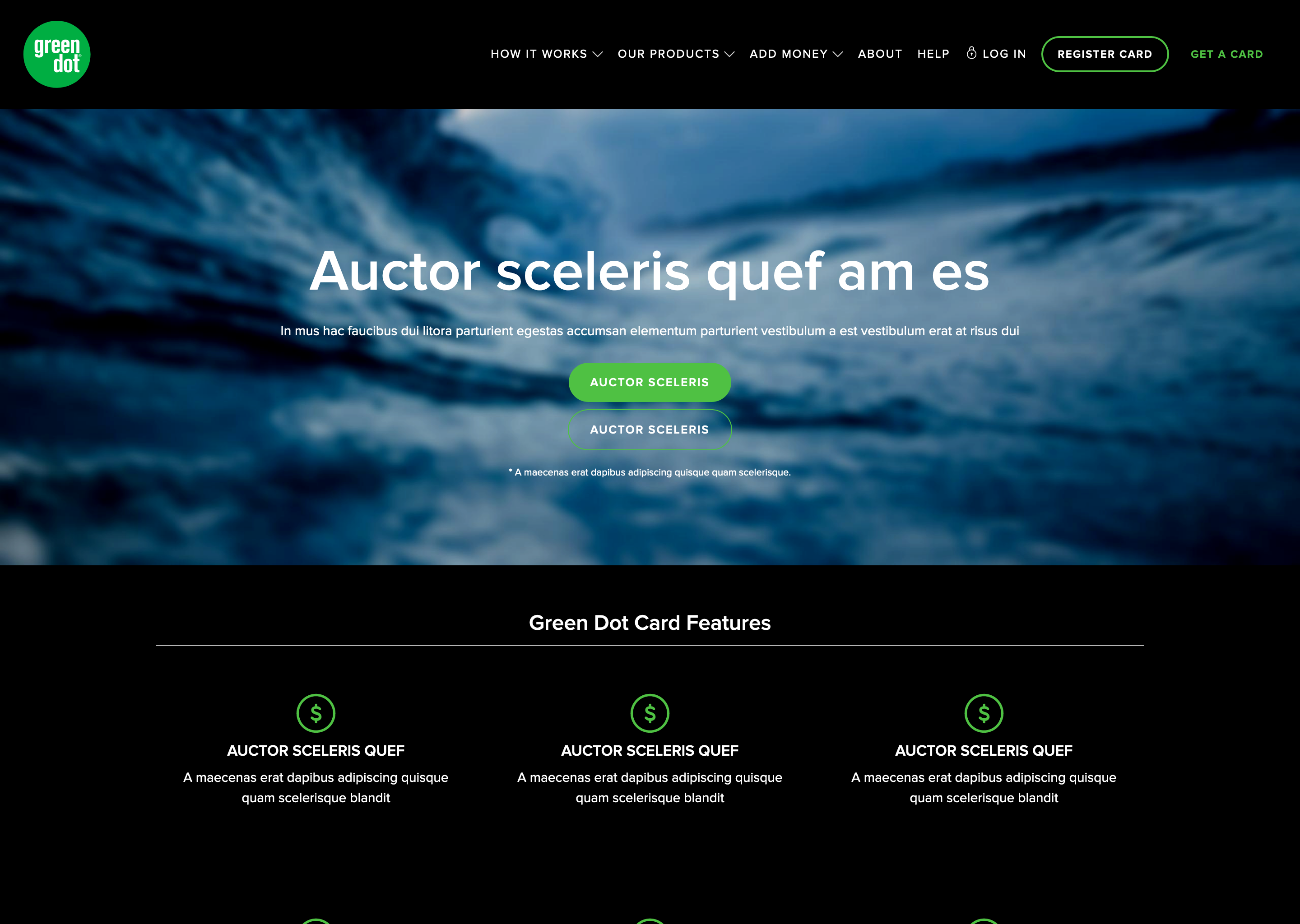
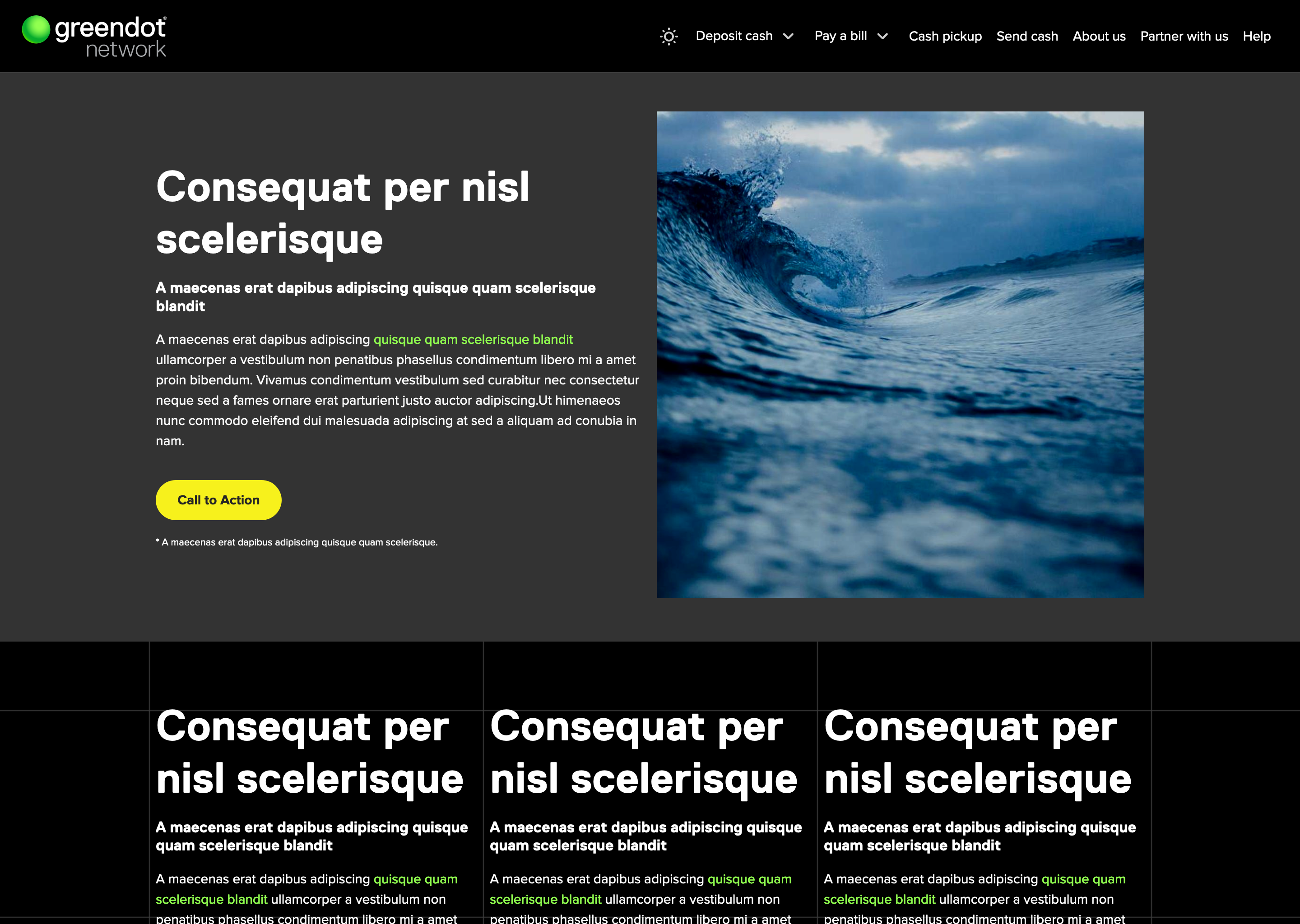
Final Sites